It is common to find a dash cam with a built-in Wi-Fi function on the market, but when one uses the 3G/4G/5G network data of mobile phones to transfer videos from a dash cam to a mobile phone for video playback, will it incur additional costs? In mountainous areas or at the seaside with poor reception, can the video captured by a dash cam be transferred to a mobile phone?
No Network Data Is Used When Transferring to a Mobile Phone
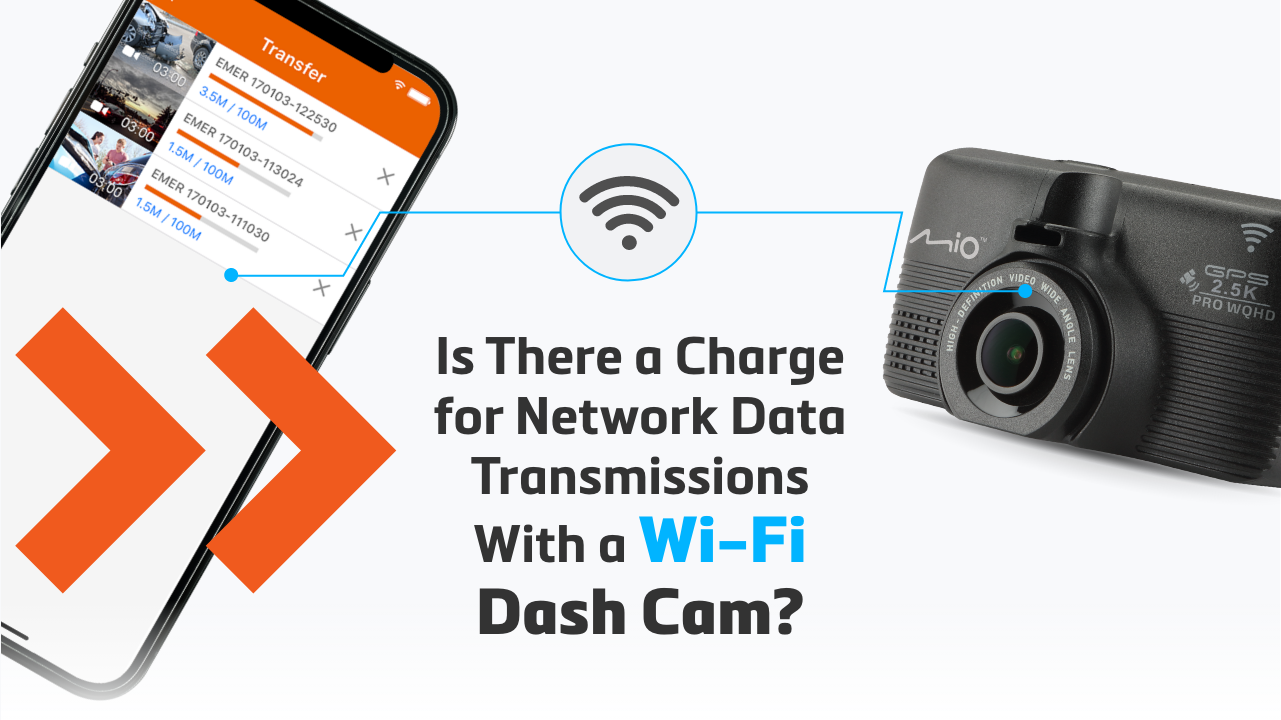
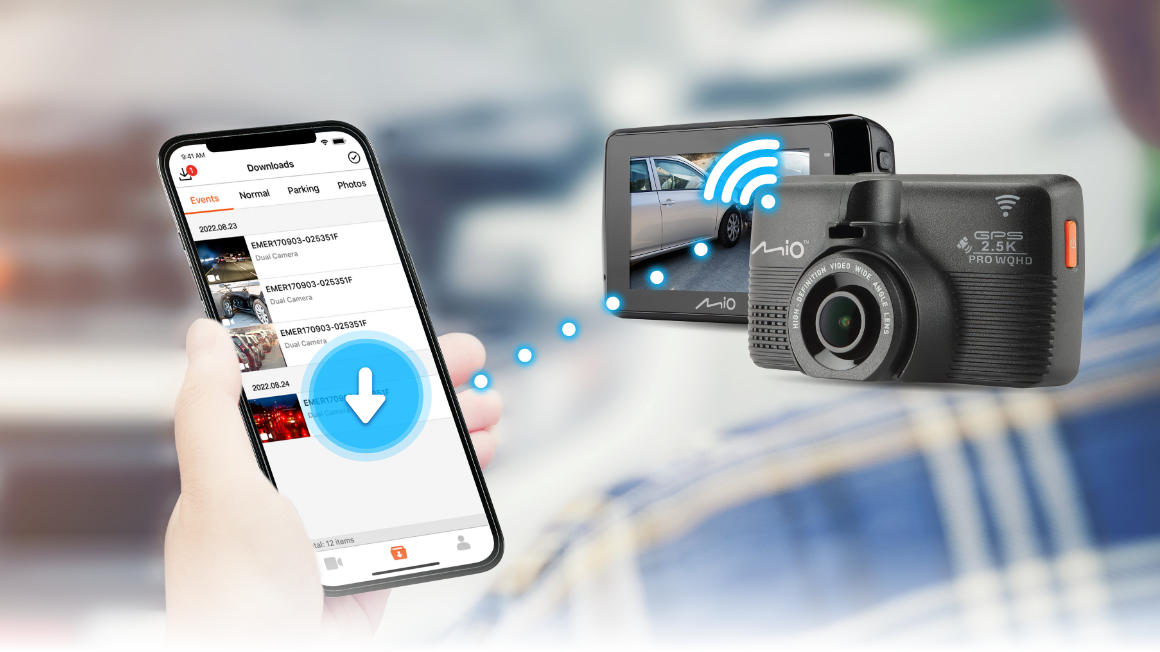
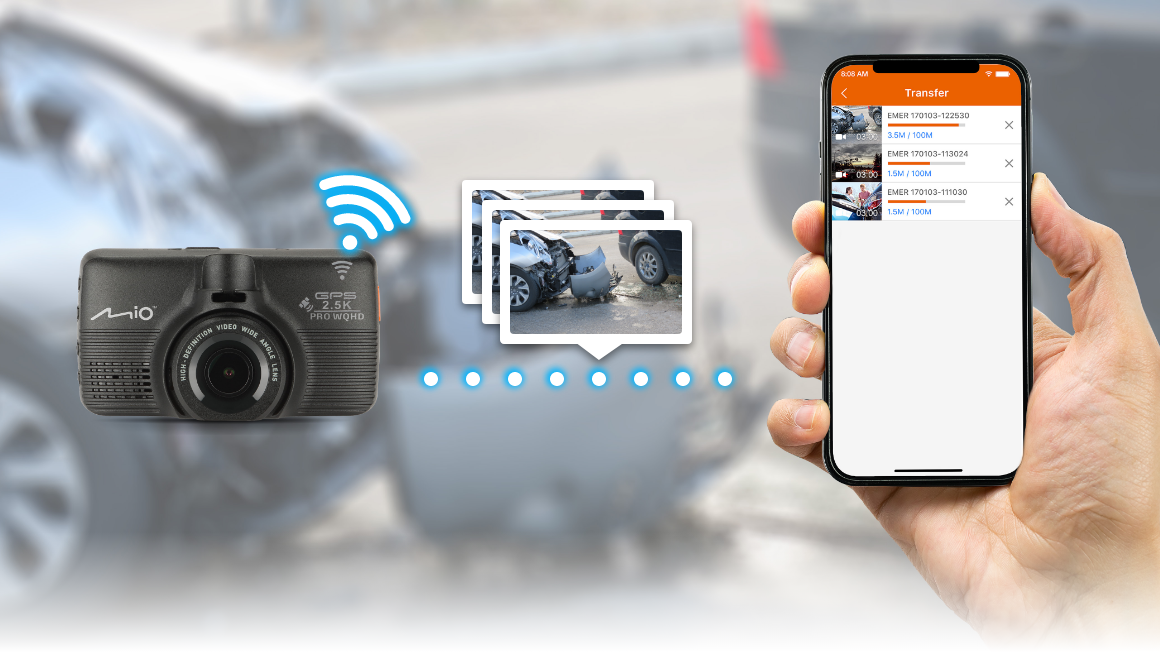
For Mio’s dash cams, a Wi-Fi connection over a mobile hotspot does not mean Internet access. By device-to-device connections over Wi-Fi, direct transmission is established between the mobile phone and the dash cam. The video files are transmitted over this method, so the data transfer does not rely on the mobile device’s 3G/4G/5G traffic. Therefore, data transfers are free of charge, with a concept similar to a Bluetooth paired transmission.
Device to Device Wi-Fi Works Fine Even in Remote Areas
In the event of a collision, even if you are in a mountainous area or at the seaside with poor reception, just open the MiVue™ Pro mobile app and the footage will be backed up to your mobile phone immediately!
*Wi-Fi transmission is still limited by distance, and metals will also affect signal strength, so it is recommended to transmit data over short distances.
Sharing Videos Over the Internet Uses Paid Network Data
If you share the downloaded video to social media or upload it to a video platform, this means you are connecting to the Internet, which also means it will use 3G/4G/5G traffic on the phone and will incur charges.
*When an Android device and the dash cam establish a connection, due to system limitations, you will not be able to connect to the Internet. If you want to share on social media, you need to disconnect from the dash cam first. iOS mobile phones do not have this problem.
© MiTAC Digital Technology Corp. All Rights Reserved.