
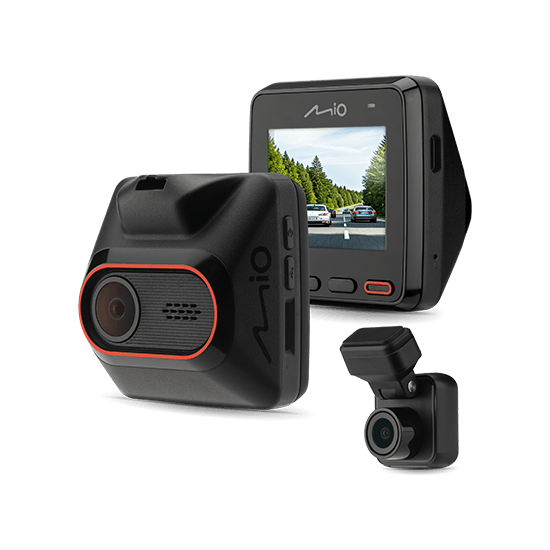

MiVue™ C460WD
- 2.5K 1440P front & rear cam
- 4M & 2M sensor dual camera
- Integrated Wi-Fi
- SuperMP4 format writes in seconds
- 3-Axis G-Sensor
MiVue™ C460WD
MiVue™ C460WD
Features

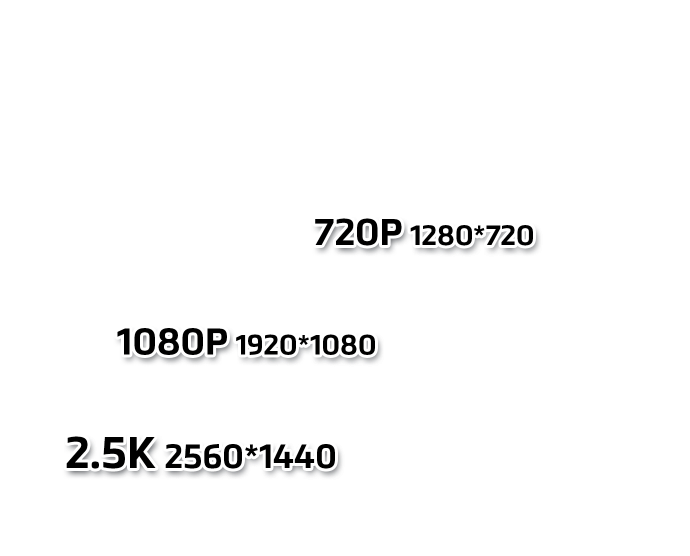
2.5K front & rear cam
Synchronized recording for sharper images

Superb picture quality - 4M Sensor

Rear cam included with 2M sensor

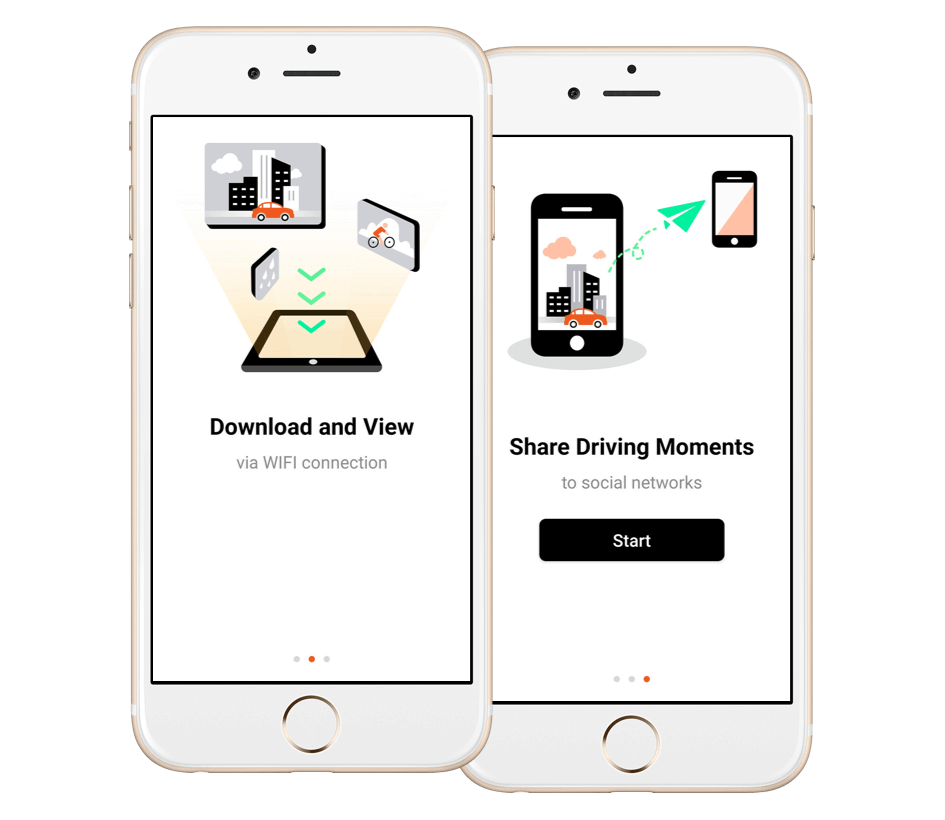
Integrated Wi-Fi
Real-time smartphone backup and OTA update

Optional Parking Mode
Impact detection (Powerbox available separately)

SuperMP4 (H.264)
Saves your file every second

2.0" screen
Intuitive and user friendly

3-Axis G-Sensor
Specifications
| Recording Resolution | Front cam: 2.5K 1440P at 30fps Full HD 1080P at 30fps Rear cam: 2.5K 1440P at 30fps (scale up) |
|---|---|
| Video Sensor | Front cam: 4M sensor Rear cam: 2M sensor |
| Recording Format | .MP4 (H.264) |
| WIFI | |
|---|---|
| 3-axis G-sensor | |
| Height (mm) | Front cam: 59.7 Rear cam: 30.3 |
| Width (mm) | Front cam: 59.3 Rear cam: 46.9 |
| Depth (mm) | Front cam: 32.5 Rear cam: 23.2 |
| Weight (gr) | Front cam: 56.4g Rear cam: 18.3g |
| Rear Camera |
| Video Backup | |
|---|---|
| Optional Parking Mode | |
| Event Recording | |
| Smartphone App | MiVue™ Pro |
| OTA Update |
Tools
MiVue™Pro App
WIFI connectivity – for fast, cable-free transfers
| Live View and video organizer Click “Live View” to adjust horizontal level of the camera before installation. Videos will be categorized by date and type (Normal, Event or Parking mode folders). The front and rear footage will be backed up to the MiVue™ Pro app synchronously if a dual cam is installed. |
| Set up your dash cam through the MiVue™ Pro app Change the settings and format the memory card of the dash cam directly through your smartphone. |
| WIFI OTA (Over-the-Air) update Use your smartphone to download and update the firmware, speed camera data and voice versions without having to withdraw the memory card. (Downloading data will consume your 3G/4G data, the update settings may vary depending on the different dash cam models). |
Download MiVue™ Pro App
In The Box
( Appearance and availability of accessories is subject to actual box contents )
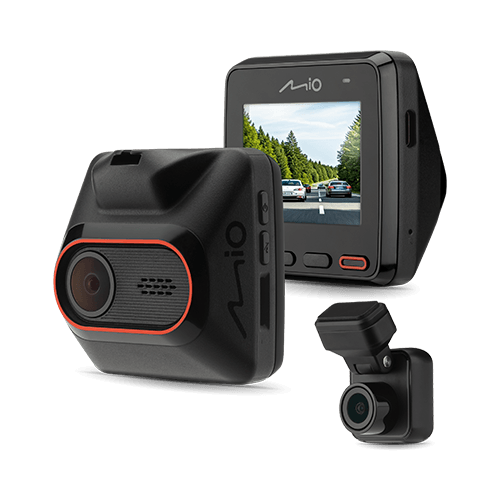
MiVue™ C460WD
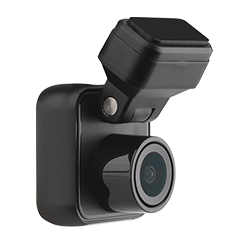
Mio MiVue™ T18 rear dash cam
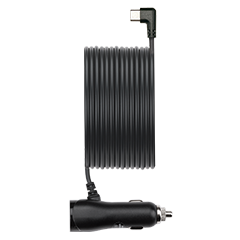
In-vehicle charger
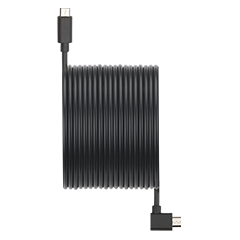
Rear dash cam cable
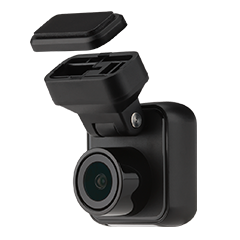
Car mount

Quick Start Guide
Accessories
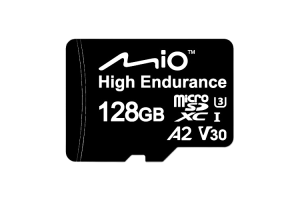
Mio 128 GB SD card
- Mio 128 GB SD card - High Endurance Memory Card
- microSDXC, V30, U3, A2
Learn More£59.99